
Description
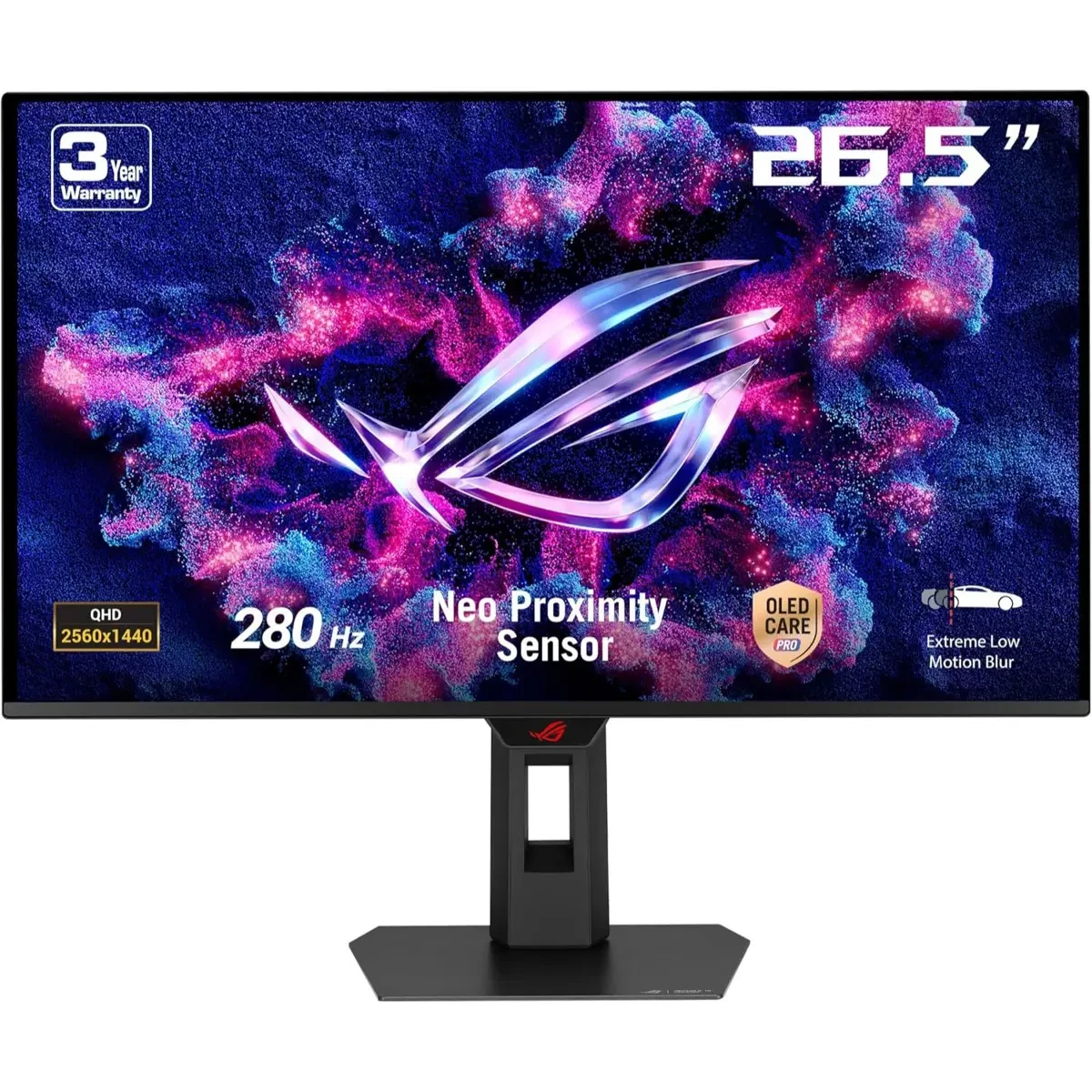
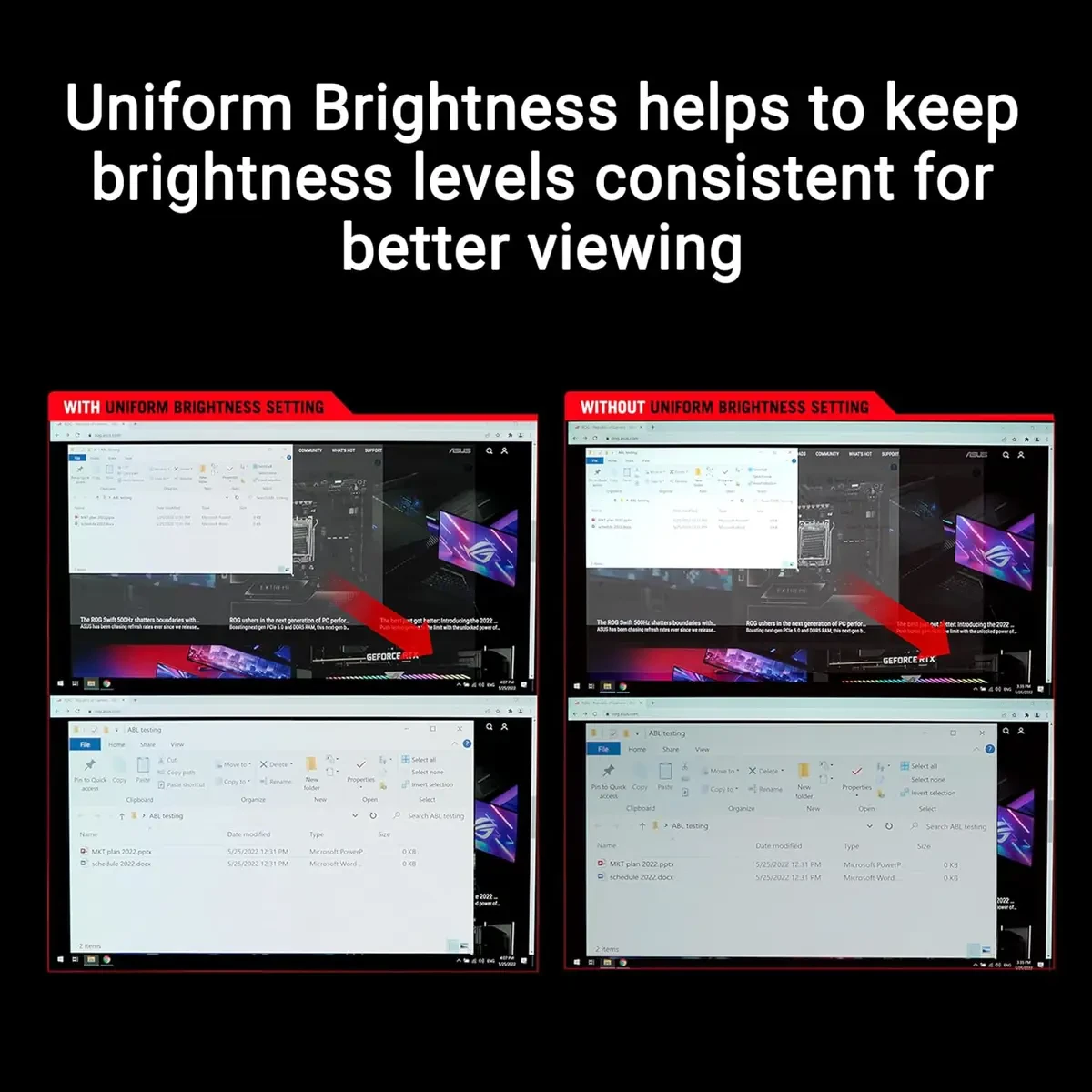
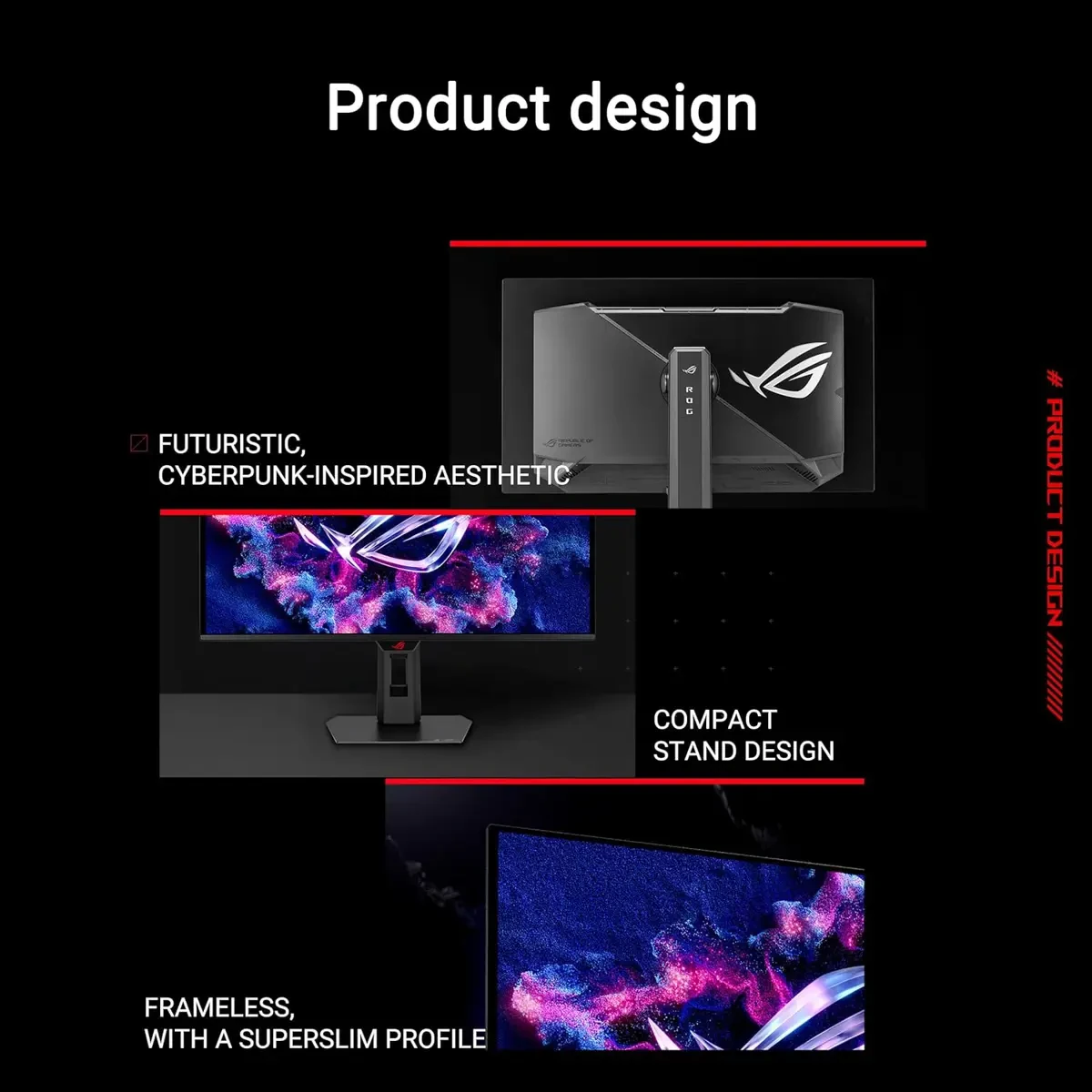
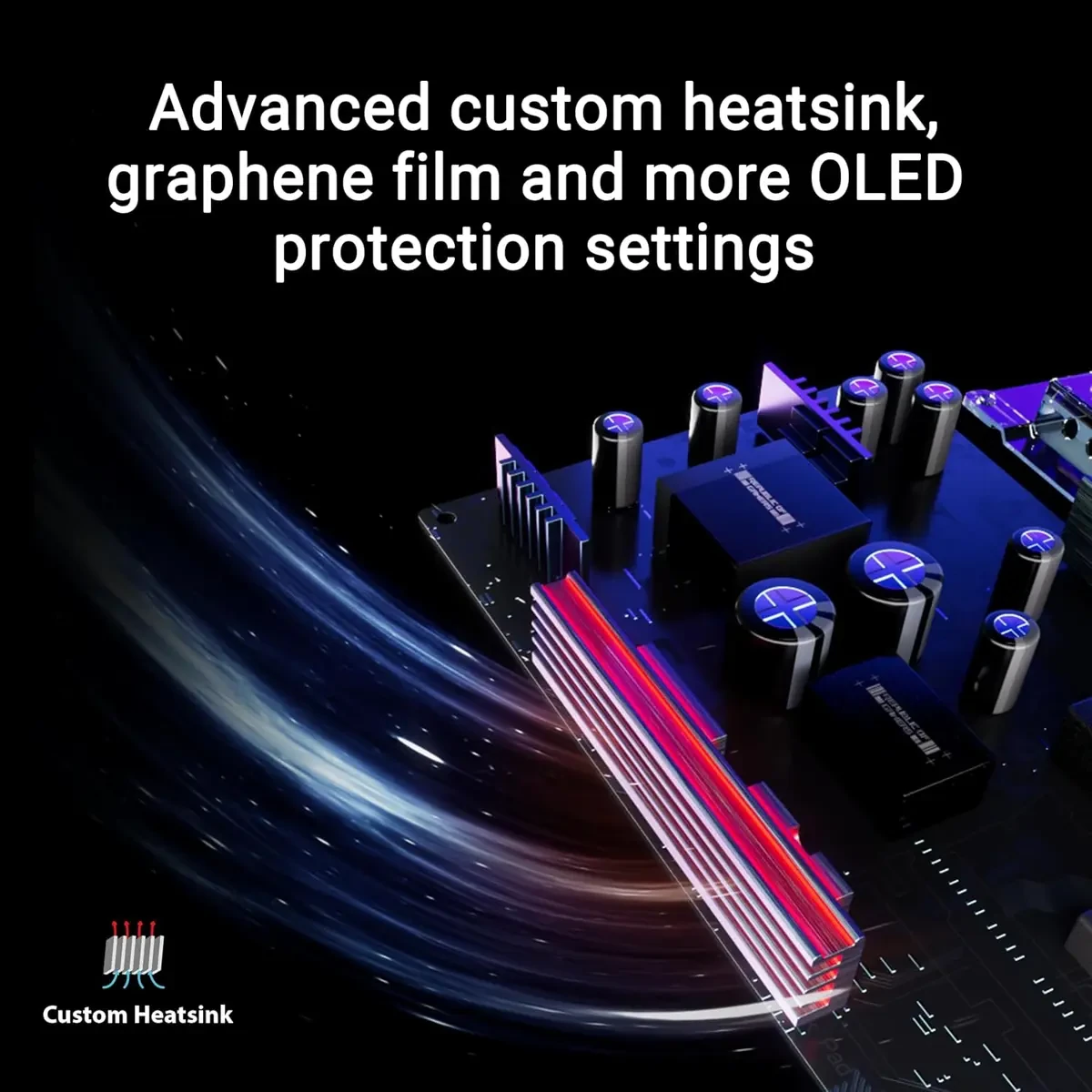
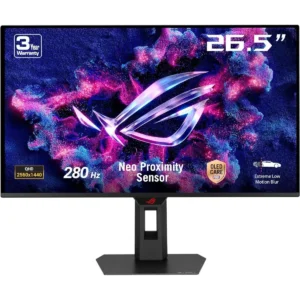
Asus Rog Strix OLED XG27ACDMS Gaming Monitor- 27-inch 1440p QD-OLED Panel, 280 Hz, 0.03ms, Custom Heatsink, Neo Proximity Sensor, Uniform Brightness, G-SYNC Compatible – Black is designed for buyers who want dependable performance with a clean upgrade path.
If you’re researching Asus Rog Strix OLED XG27ACDMS Gaming Monitor- 27-inch 1440p QD-OLED Panel, 280 Hz, 0.03ms, Custom Heatsink, Neo Proximity Sensor, Uniform Brightness, G-SYNC Compatible – Black in Pakistan, the best value comes from the balance between features, warranty support, and long-term reliability.
PRODUCT FEATURES:
– 26.5-inch QHD (2560×1440)
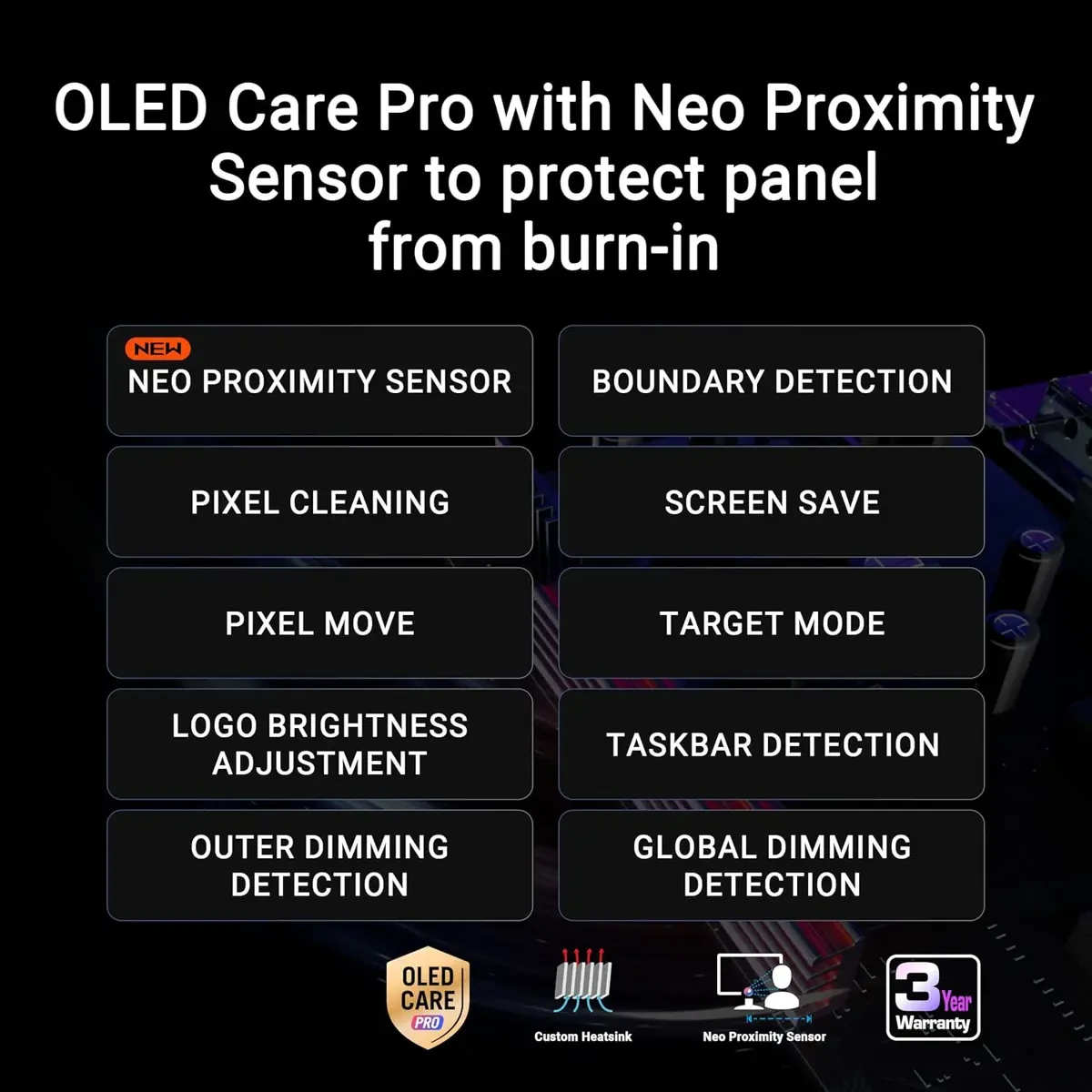
– New ASUS OLED Care Pro
– DisplayHDR 400 True Black
– ROG Gaming A.I Technology
– ROG Strix OLED XG27ACDMS
– ROG Strix OLED XG27ACDMS gaming monitor ― 27-inch (26.5-inch viewable) 1440p QD-OLED panel, 280 Hz, 0.03 ms, custom heatsink, Neo Proximity Sensor, ASUS OLED Care Pro, uniform brightness, G-SYNC® compatible, 99% DCI-P3, and DisplayWidget Center
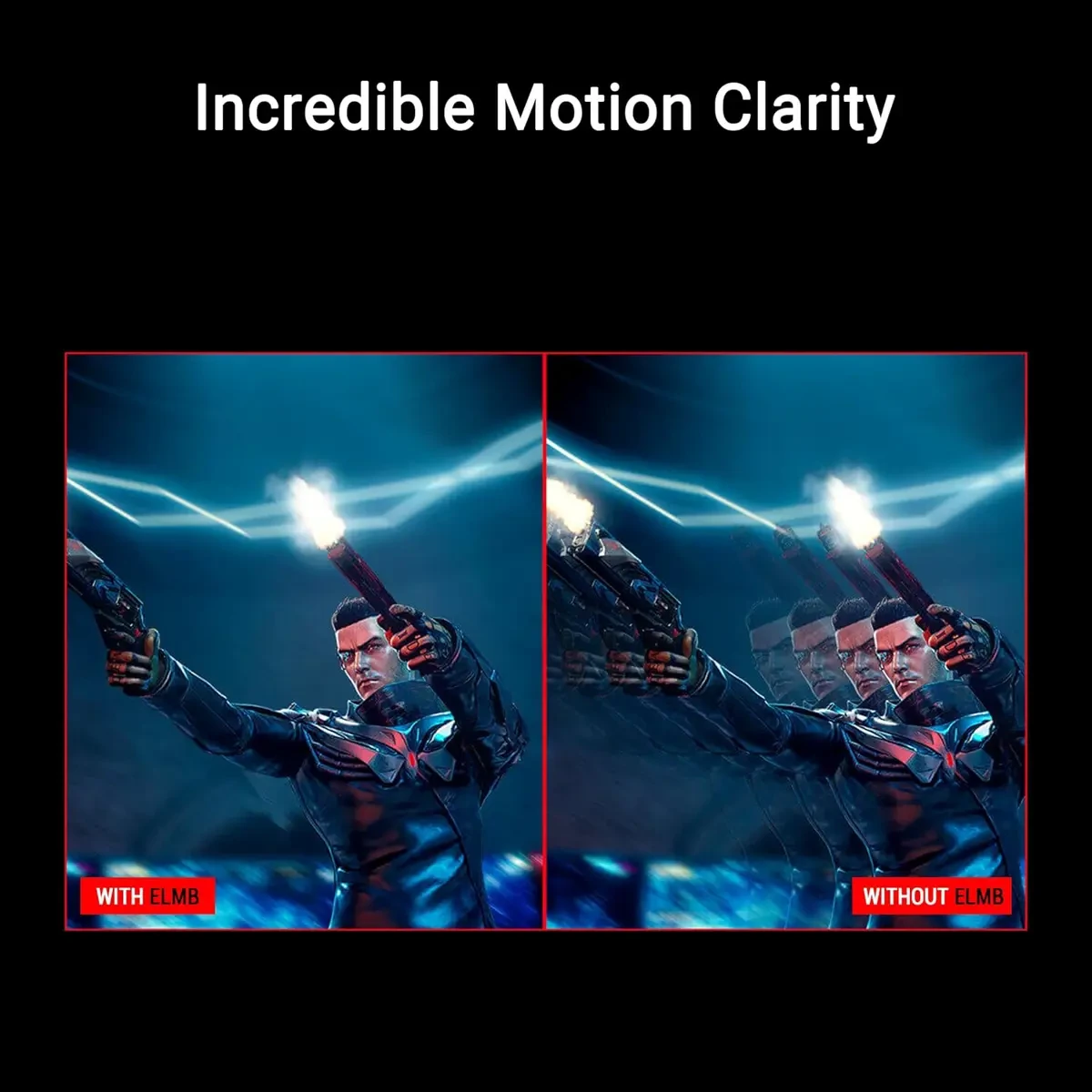
– 26.5-inch QHD (2560 x 1440) QD-OLED gaming monitor with 280 Hz refresh rate and 0.03ms response time
– New ASUS OLED Care Pro functions with Neo Proximity Sensor that precisely detects when the user is away, switching to a black screen to reduce the risk of burn-in
– VESA DisplayHDR™ 400 True Black compliance, 99% DCI-P3 gamut, true 10-bit color, and Delta E < 2 color difference for astonishing HDR performance, making it perfect for photo and video editing
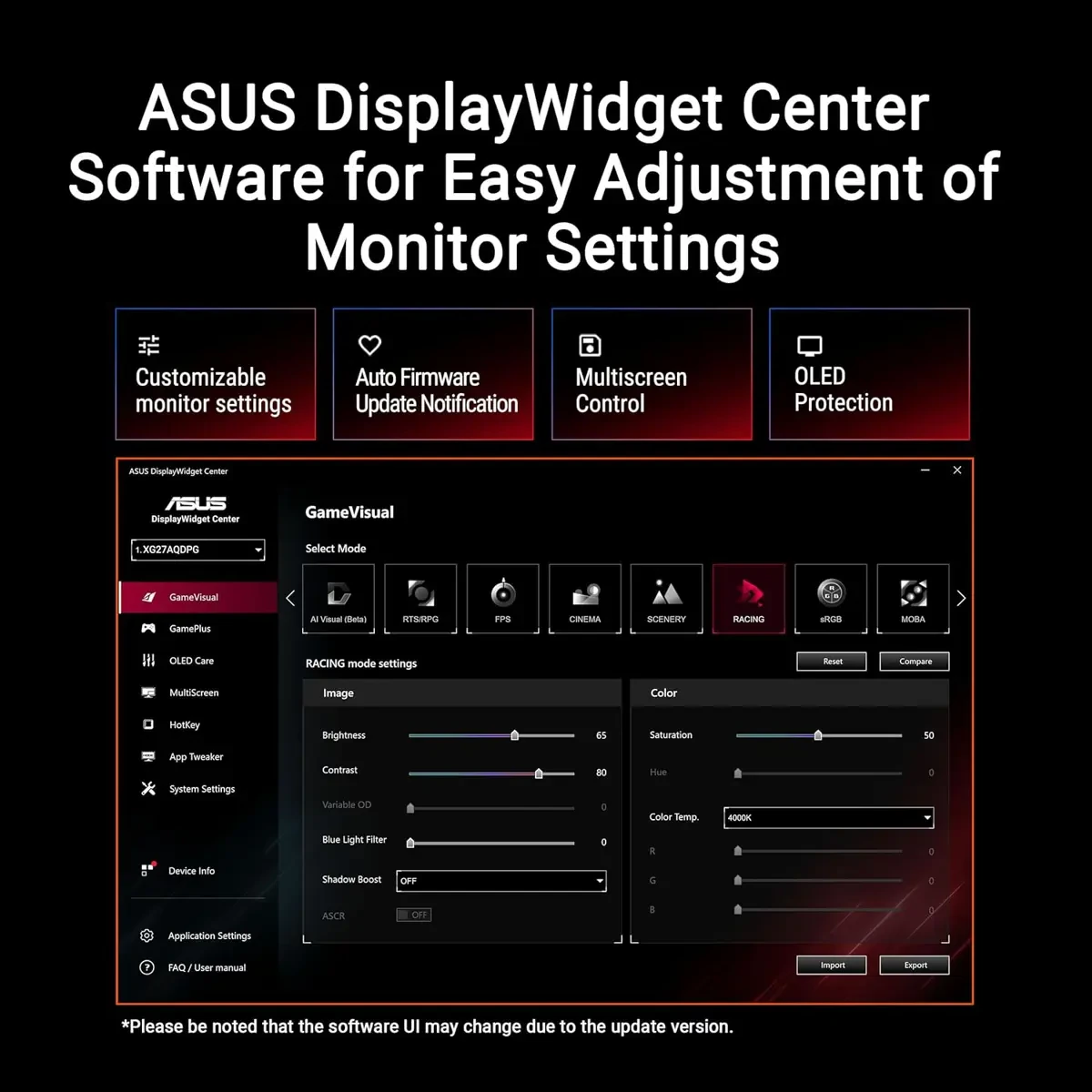
– Exclusive ASUS DisplayWidget Center application allows users to easily access OLED Care Pro functions and adjust monitor settings using a mouse
Performance and everyday use:
A well-balanced setup helps with consistent performance, smoother multitasking, and stable day-to-day operation.
Buying guidance:
When comparing prices in Pakistan, consider genuine stock, warranty terms, after-sales support, and upgrade compatibility.
Current listed price: Rs. 234,999.
Final thoughts:
Always confirm the latest configuration, warranty, and availability with the seller before ordering.
Maintenance tips:
Keep firmware/drivers updated, clean dust filters monthly, and avoid blocking airflow to maintain stable performance.
Recommended accessories:
A UPS/surge protector, quality peripherals, and proper cable management can improve reliability and usability.


Customer Reviews
There are no reviews yet.