
Description
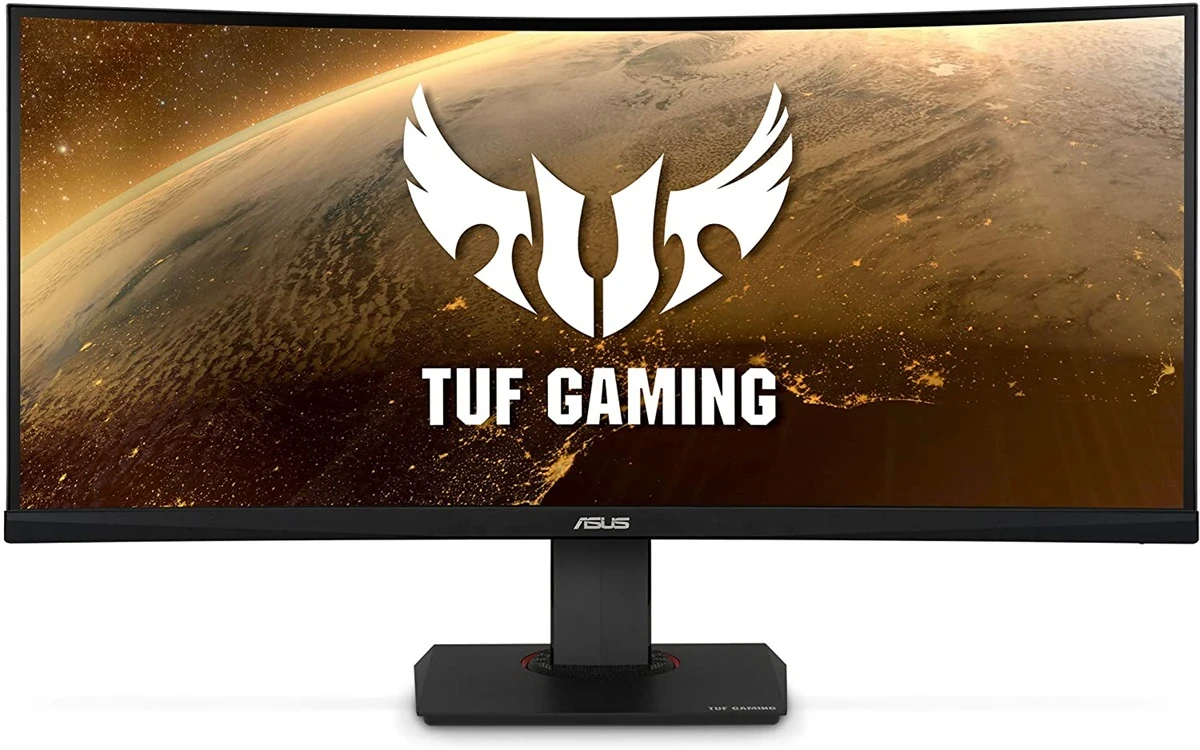
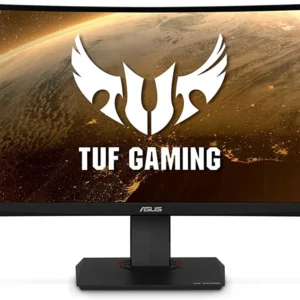
Asus Tuf Gaming VG35VQ 100Hz (3440×1440) VA 35″ WQHD Curved Gaming Monitor is designed for buyers who want dependable performance with a clean upgrade path.
If you’re researching Asus Tuf Gaming VG35VQ 100Hz (3440×1440) VA 35″ WQHD Curved Gaming Monitor in Pakistan, the best value comes from the balance between features, warranty support, and long-term reliability.
PRODUCT FEATURES:
– 35-inch Immersive Curvature
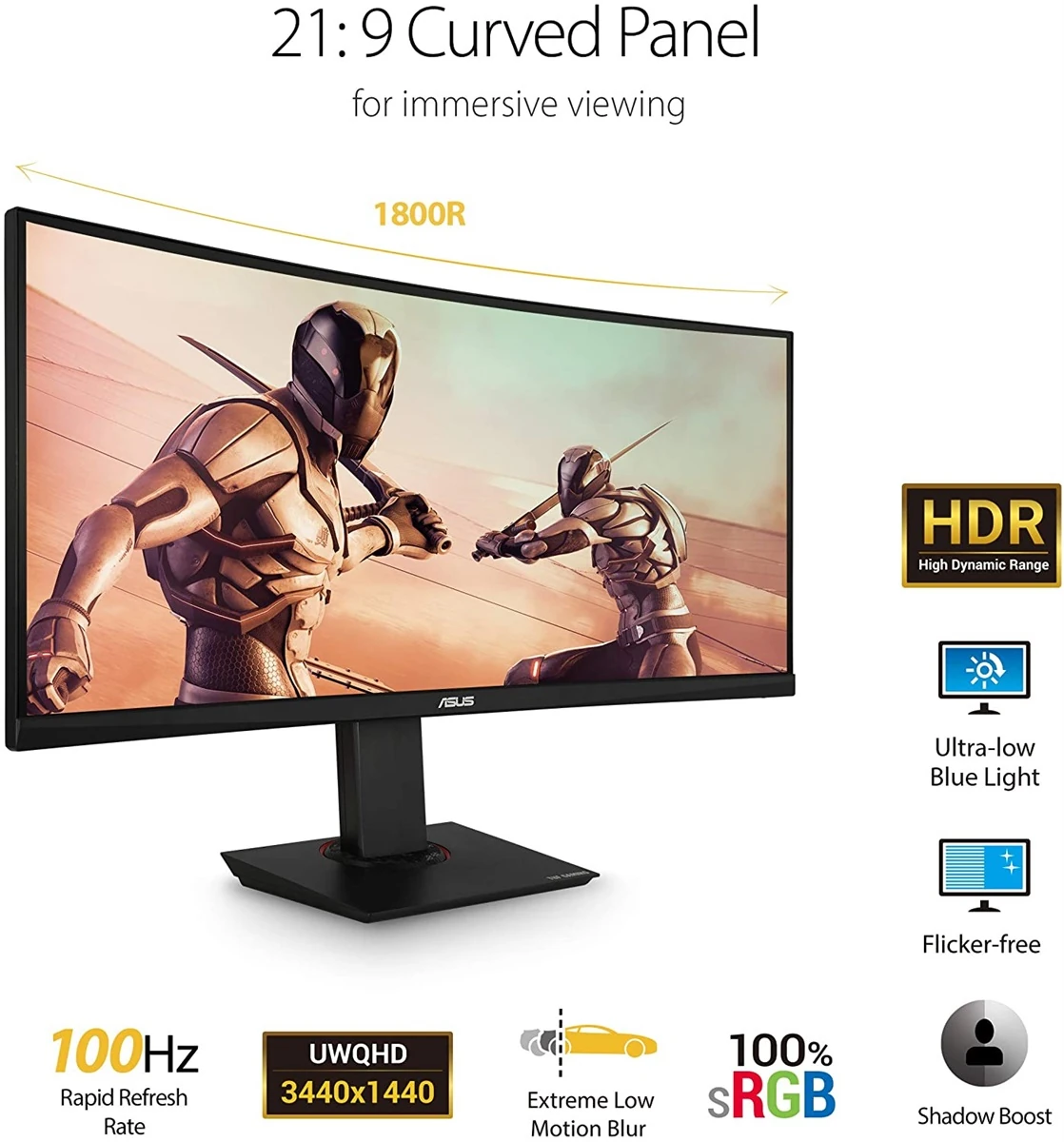
– The 35-inch WQHD (3440 X 1440) panel of TUF Gaming VG35VQ delivers stunning visuals from all angles with a 1800R curvature that ensures every point is equidistant to your eyes. This contributes to greater viewing comfort and lets you enjoy a wide viewing angle with less distortion and color shift
– 100Hz Refresh Rate
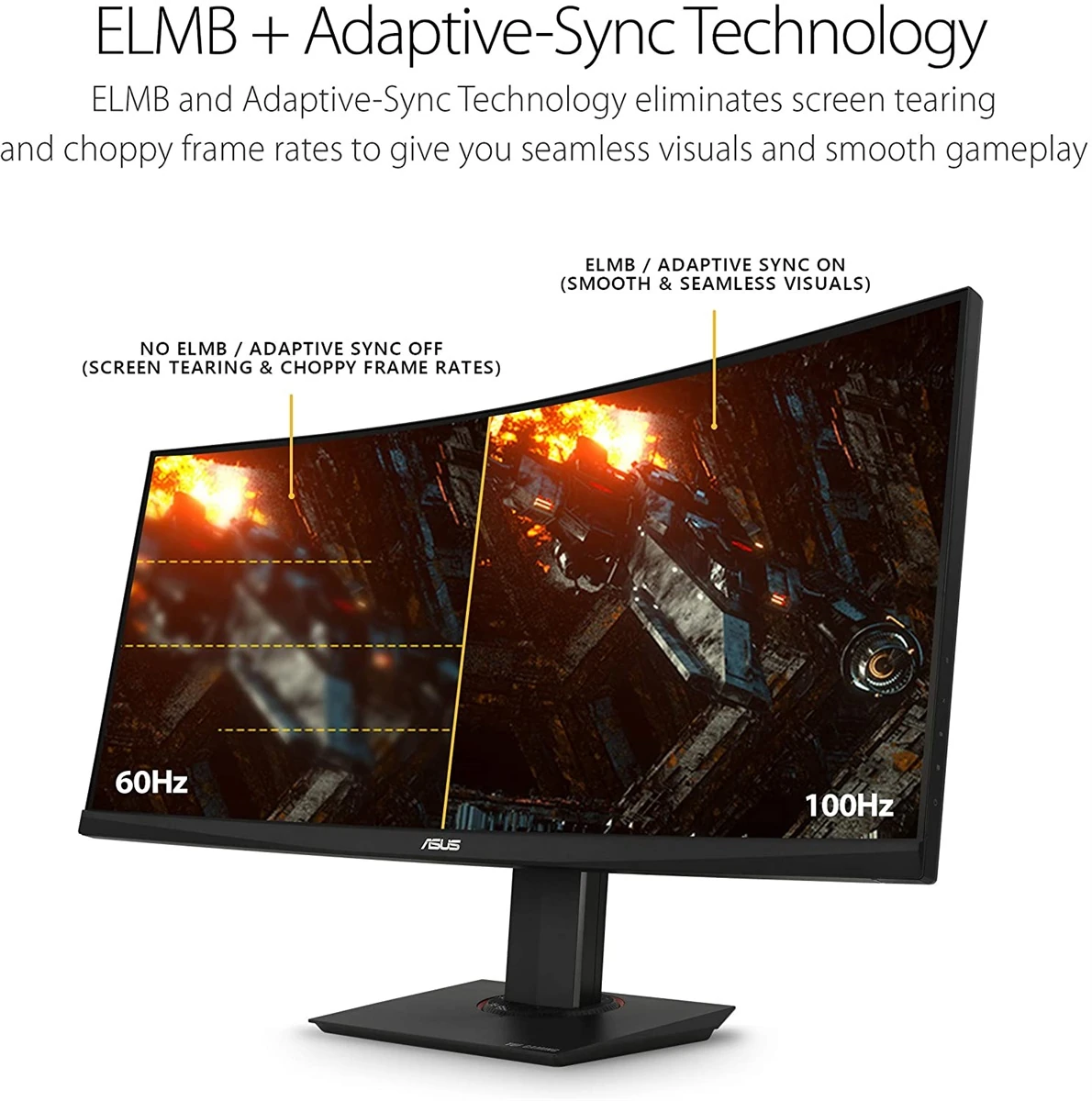
– TUF Gaming VG35VQ has a fast 100Hz refresh rate, ensuring that even fast-paced games played at the highest visual settings look buttery-smooth and completely lag-free. Get the upper hand in first-person-shooters, racing, real-time strategy, and sports titles.
– Extreme Low Motion Blur
– VG35VQ features the latest ASUS-exclusive Extreme Low Motion Blur technology, which achieves 1ms MPRT to eliminate smearing and motion blur, and makes objects in motion look sharper, so gameplay is more fluid and responsive.
– Shadow Boost
– ASUS Shadow Boost technology clarifies dark areas of the game without overexposing brighter areas, improving overall viewing while also making it easier to spot enemies hidden in dark areas of the map.
– Flicker-Free Technology
– Flicker-Free technology reduces flicker to minimize eyestrain for improved comfort when you’re embroiled in long gaming sessions.
Performance and everyday use:
A well-balanced setup helps with consistent performance, smoother multitasking, and stable day-to-day operation.
Buying guidance:
When comparing prices in Pakistan, consider genuine stock, warranty terms, after-sales support, and upgrade compatibility.
Current listed price: Rs. 194,999.
Final thoughts:
Always confirm the latest configuration, warranty, and availability with the seller before ordering.
Maintenance tips:
Keep firmware/drivers updated, clean dust filters monthly, and avoid blocking airflow to maintain stable performance.
Recommended accessories:
A UPS/surge protector, quality peripherals, and proper cable management can improve reliability and usability.
Customer Reviews
There are no reviews yet.