


Description
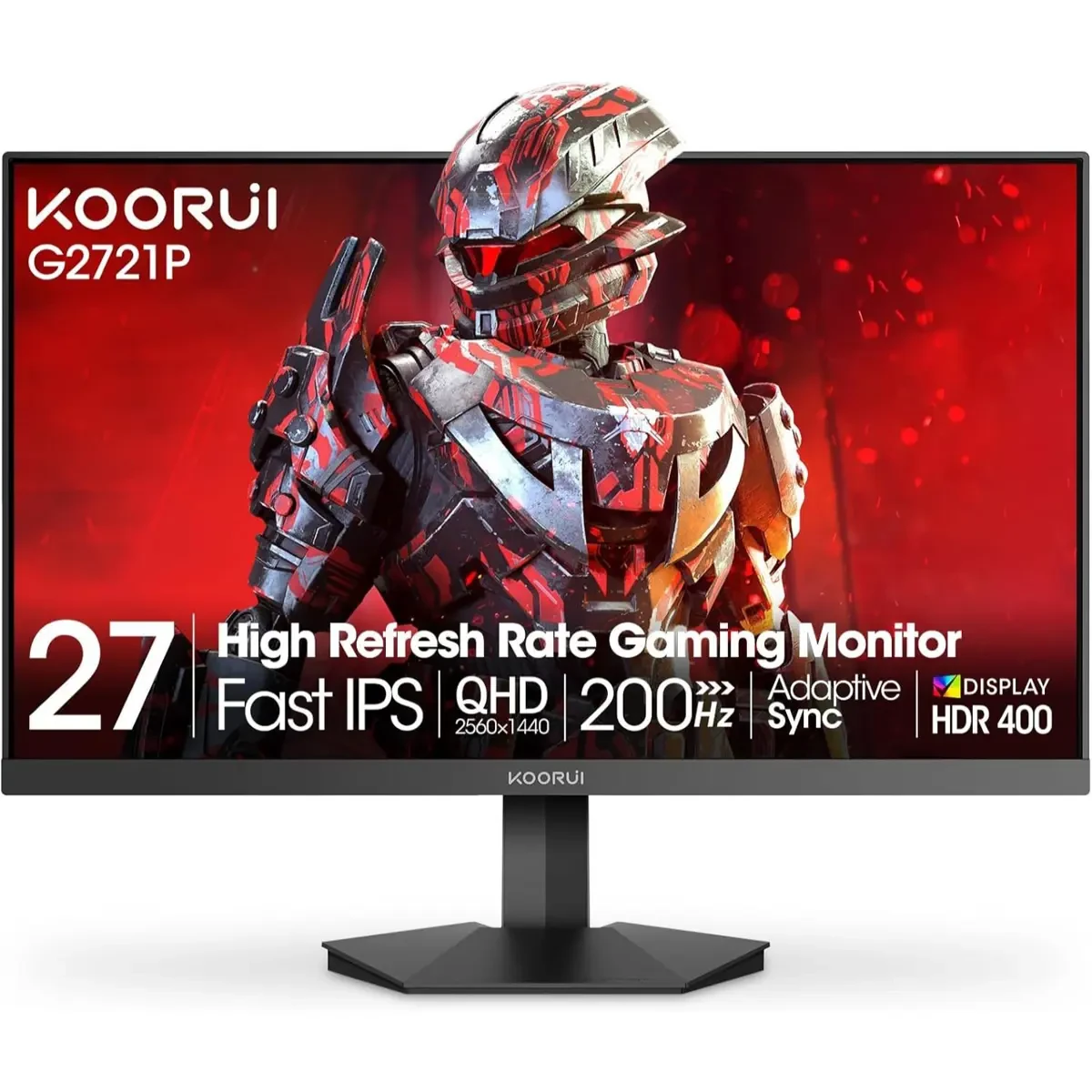
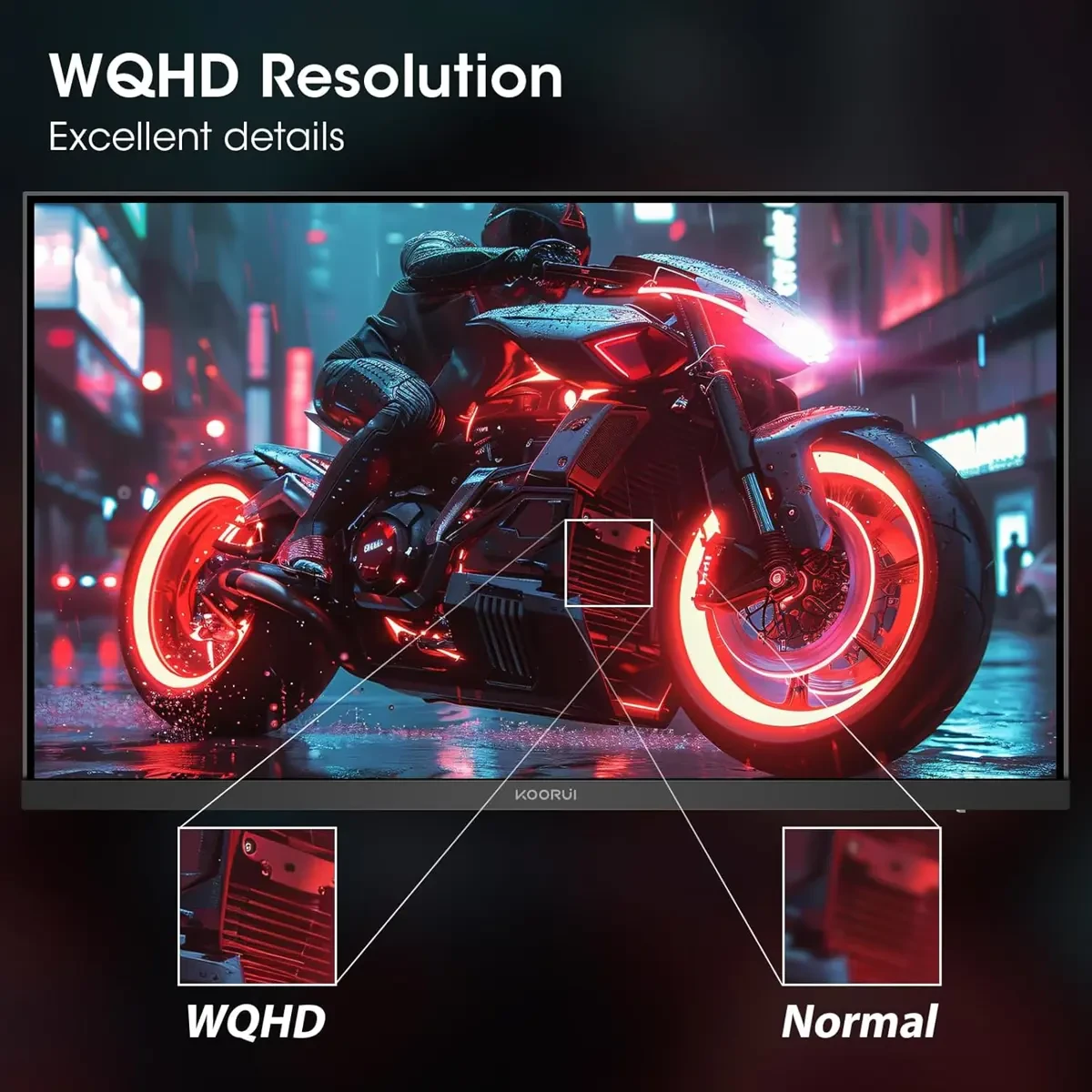
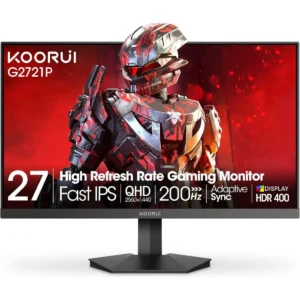
Koorui G2721P 27″ Gaming Monitor, 200Hz 1ms Fast IPS, WQHD (2560 x 1440) HDR 400 Display, DCI-P3 95% Color Gamut, FreeSync Premium, Adaptive G-Sync, HDMI x 2, DisplayPort is designed for buyers who want dependable performance with a clean upgrade path.
If you’re researching Koorui G2721P 27″ Gaming Monitor, 200Hz 1ms Fast IPS, WQHD (2560 x 1440) HDR 400 Display, DCI-P3 95% Color Gamut, FreeSync Premium, Adaptive G-Sync, HDMI x 2, DisplayPort in Pakistan, the best value comes from the balance between features, warranty support, and long-term reliability.
PRODUCT FEATURES:
– 200Hz Fast Refresh Rate
– 1ms GTG Response Time
– Full HD IPS Panel Display
– Modern Minimalist Design
– EXCEPTIONAL PICTURE QUALITY
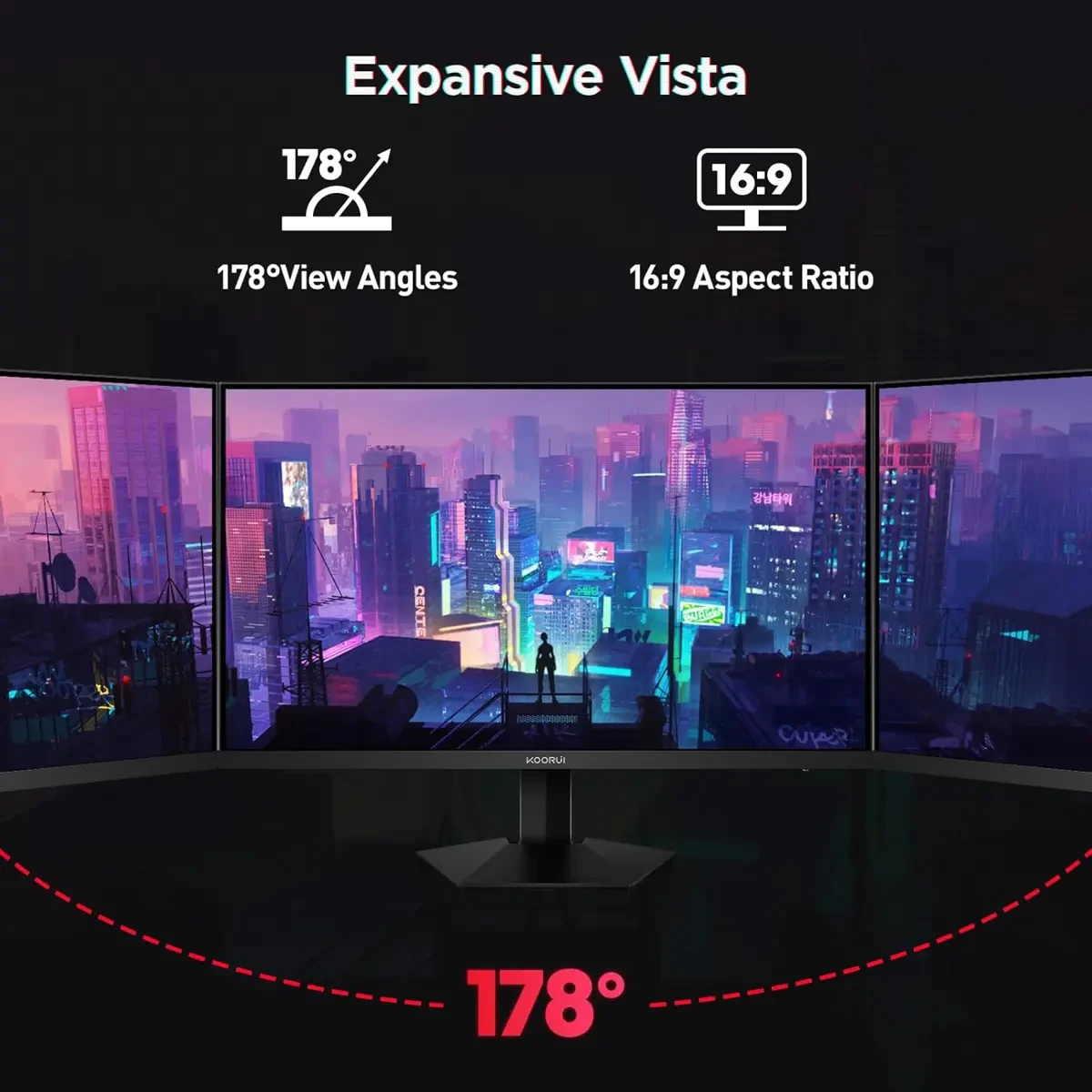
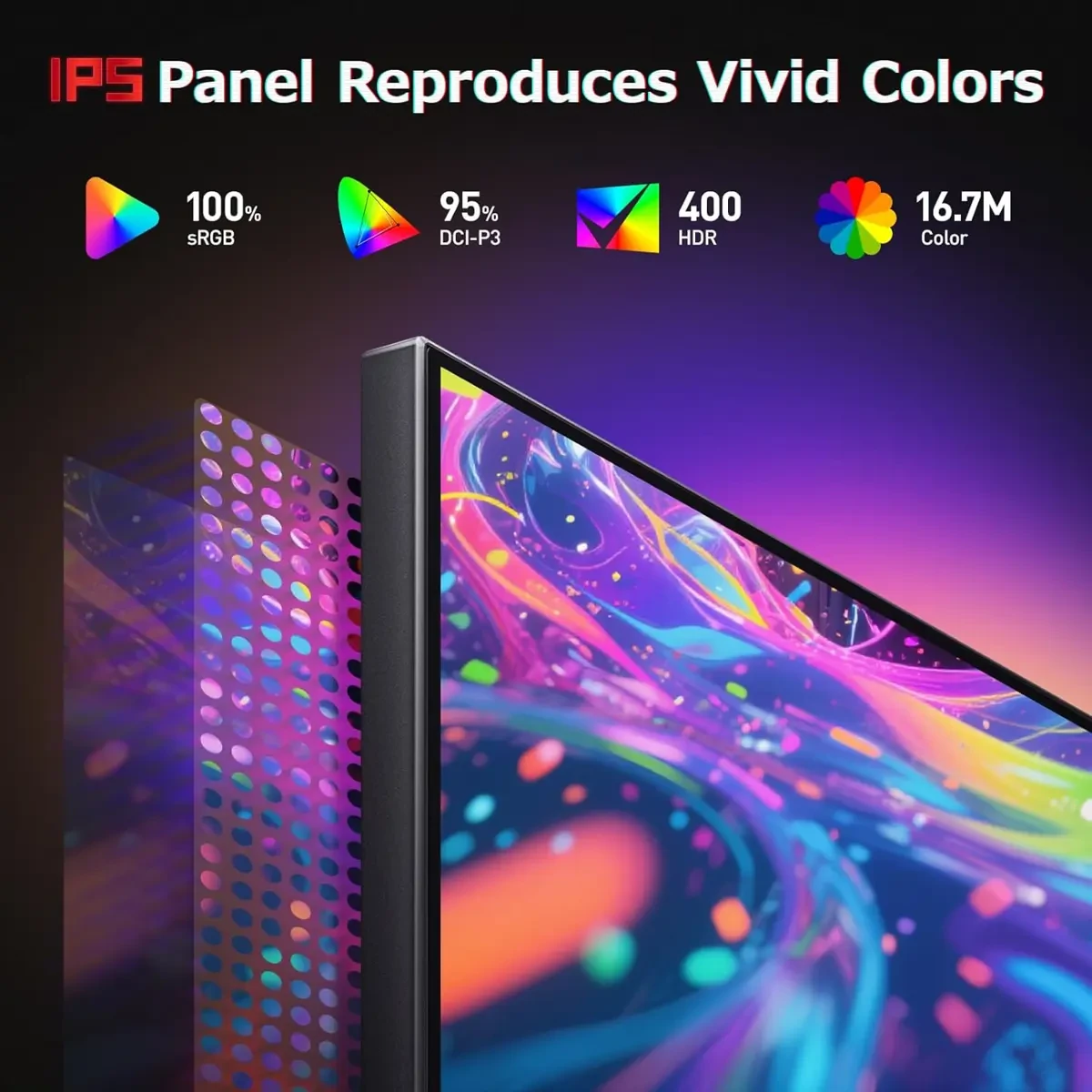
– The 27-inch gaming monitor 1440p with the DCI-P3 95% wide color gamut brings what you’re watching to life in over 16.7M colors. Besides, 1440p Gaming monitor with high color accuracy, no fading phenomenon, the colors of all angles are more realistic, detailed and consistent. Thus you can get the same image quality from any angle.
– SMOOTHEST GAMING EXPERIENCE
– The 2k gaming monitor 27 inch combines a refresh rate of 200hz with FreeSync, thus enabling smooth gaming sessions. Use game mode to view details in the dark. Players can shoot to attack or defend enemies hiding in the shadows and Precise Positioning improves hit rate.
– MODERN AND MINIMALISTIC DESIGN
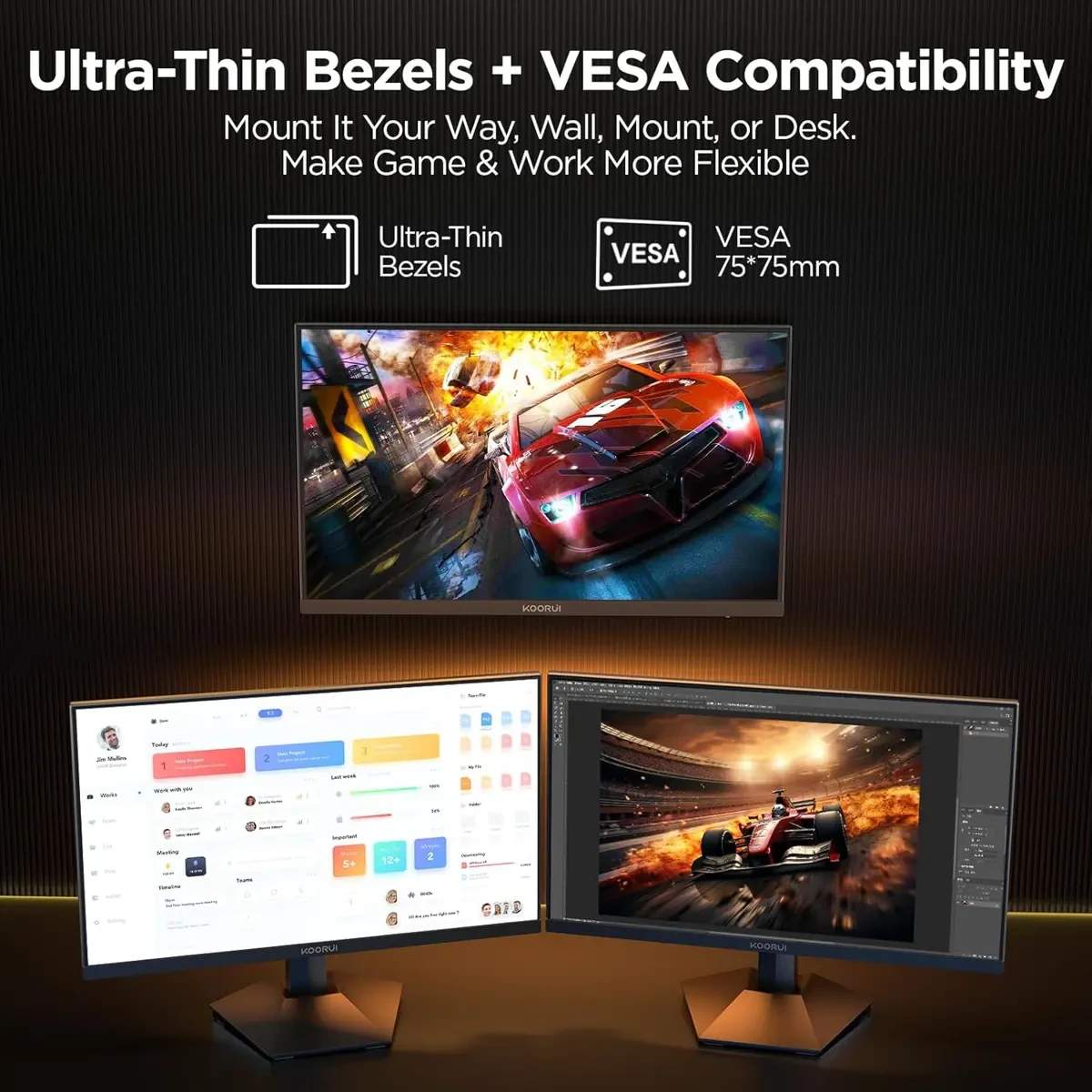
– The wqhd gaming monitor combines exquisite craftsmanship with modern design and brings an ultra-thin body. The stand adopts a mechanism that can be quickly assembled, allows you to adjust tilt -5° to 20°, while VESA Wall-Mountable allows you to mount your computer monitor in any environment.
Performance and everyday use:
A well-balanced setup helps with consistent performance, smoother multitasking, and stable day-to-day operation.
Buying guidance:
When comparing prices in Pakistan, consider genuine stock, warranty terms, after-sales support, and upgrade compatibility.
Current listed price: Rs. 61,999.
Final thoughts:
Always confirm the latest configuration, warranty, and availability with the seller before ordering.
Maintenance tips:
Keep firmware/drivers updated, clean dust filters monthly, and avoid blocking airflow to maintain stable performance.
Recommended accessories:
A UPS/surge protector, quality peripherals, and proper cable management can improve reliability and usability.
Customer Reviews
There are no reviews yet.