
Description
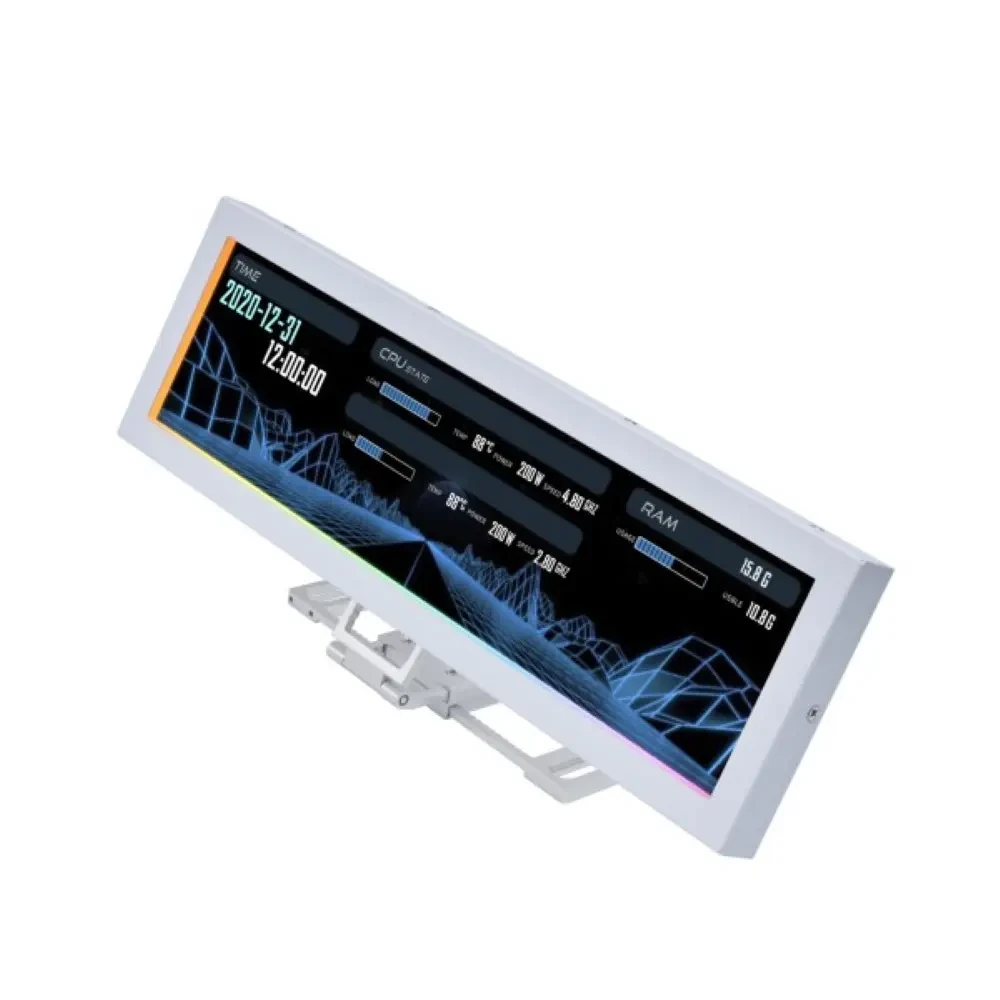
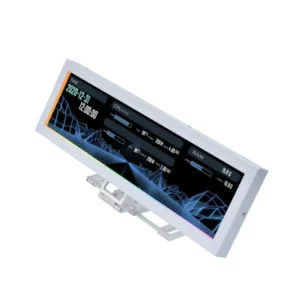
Lian Li 8.8″ Universal Screen for PC – Adjustable Mounting for Any Computer Setup, Customizable ARGB Frame, PC Temperature Display Panel, LCD Screen Display, Mini Monitor (US88 v1 White) is designed for buyers who want dependable performance with a clean upgrade path.
If you’re researching Lian Li 8.8″ Universal Screen for PC – Adjustable Mounting for Any Computer Setup, Customizable ARGB Frame, PC Temperature Display Panel, LCD Screen Display, Mini Monitor (US88 v1 White) in Pakistan, the best value comes from the balance between features, warranty support, and long-term reliability.
PRODUCT FEATURES:
– Free Delivery All Over Pakistan
– Dynamic Control with L-Connect 3
– Flexible Mounting Options Bracket
– Stunning Diffused ARGB Lighting
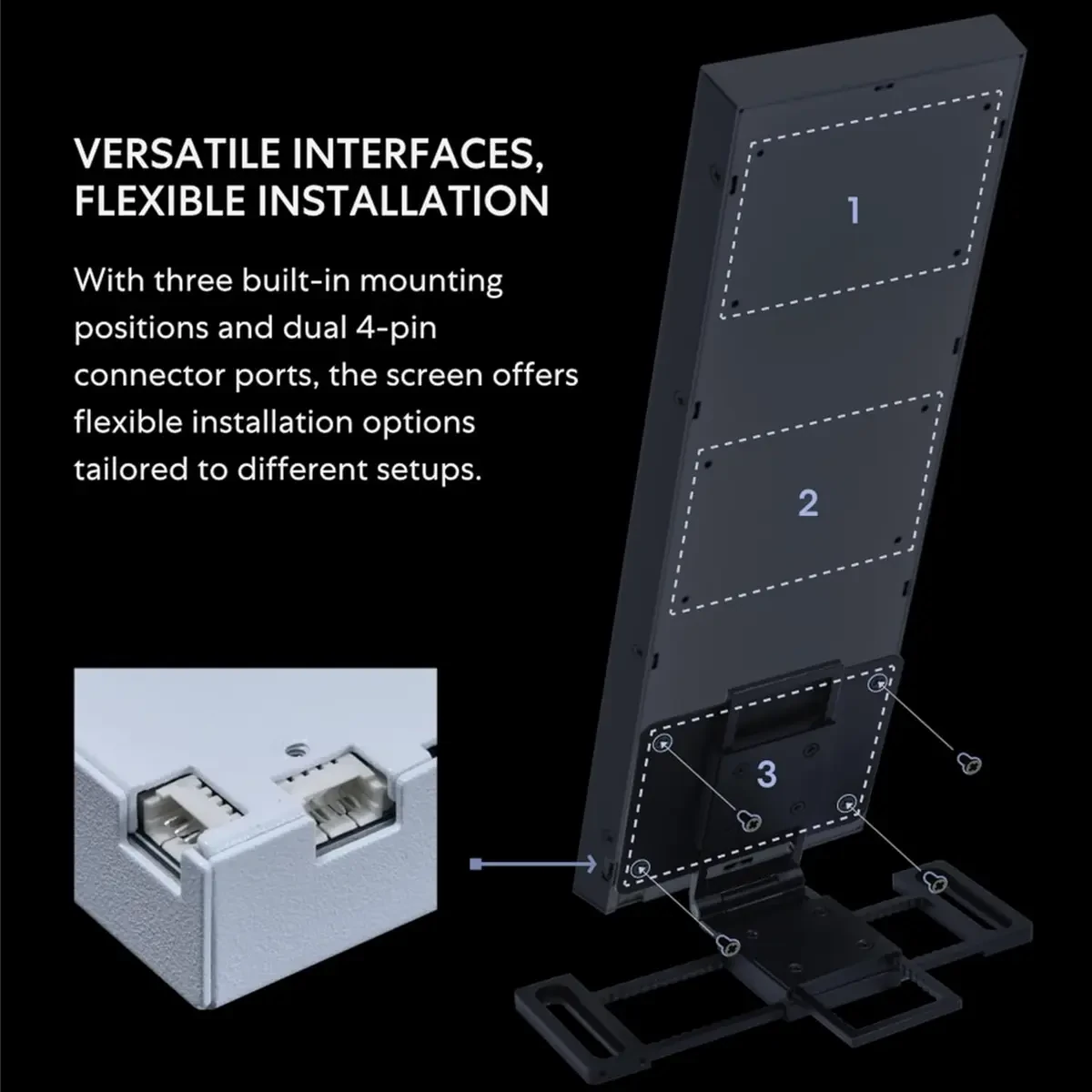
– Screen Stand Installation Guide: Please ensure that you use the (H) Screws specified in the instruction manual when installing the Screen Stand and the 8.8 Universal Screen. DO NOT use the longer screw “g”.
– If the 8.8” Universal Screen is detected in Device Manager, but not detected in L-Connect 3. Please try this software beta version. lian-li. com/l-connect3/
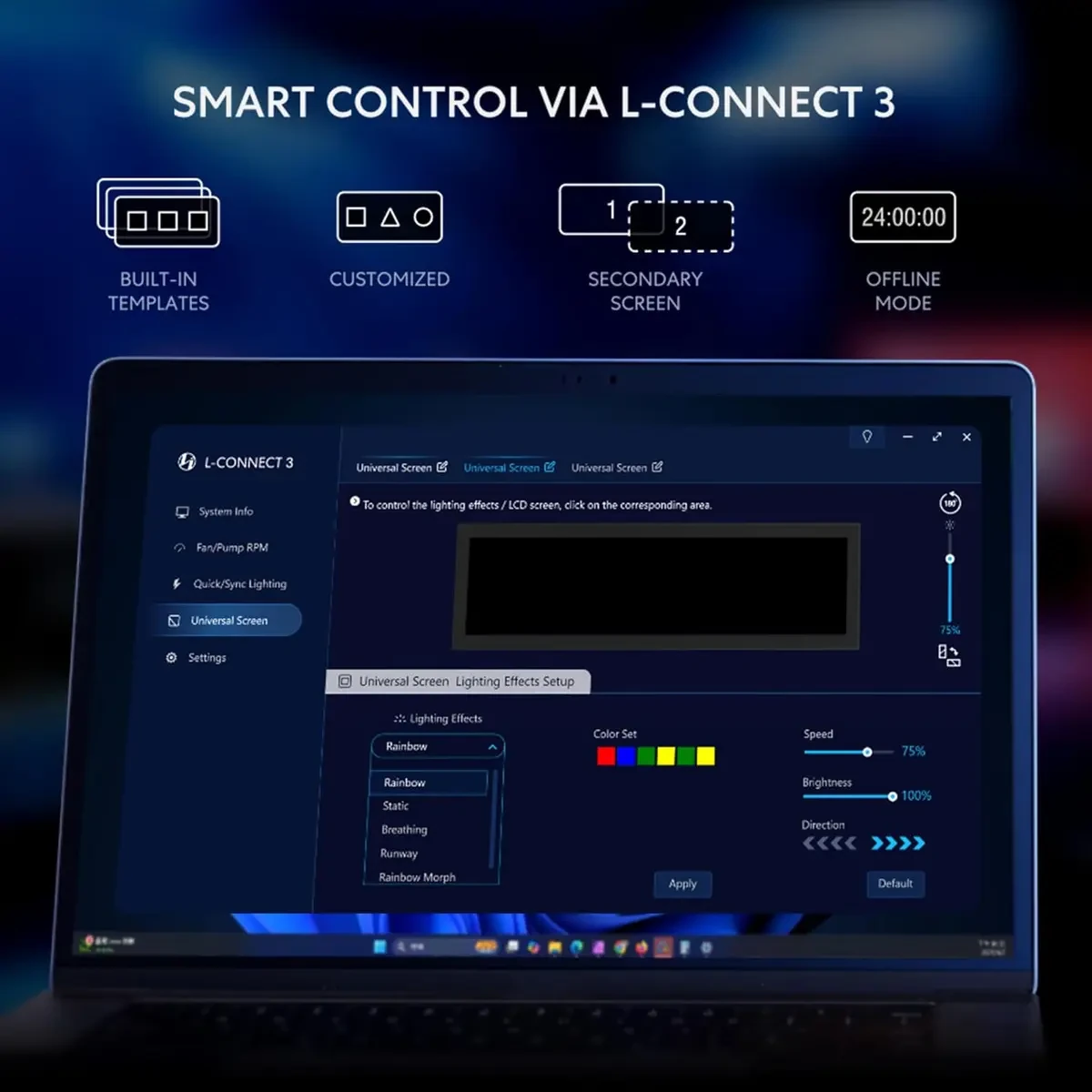
– Dynamic Control with L-Connect 3: Customize your viewing experience with L-Connect 3 software. Access preset themes and modular information, and upload your own videos and photos to create a personalized display that suits your style.
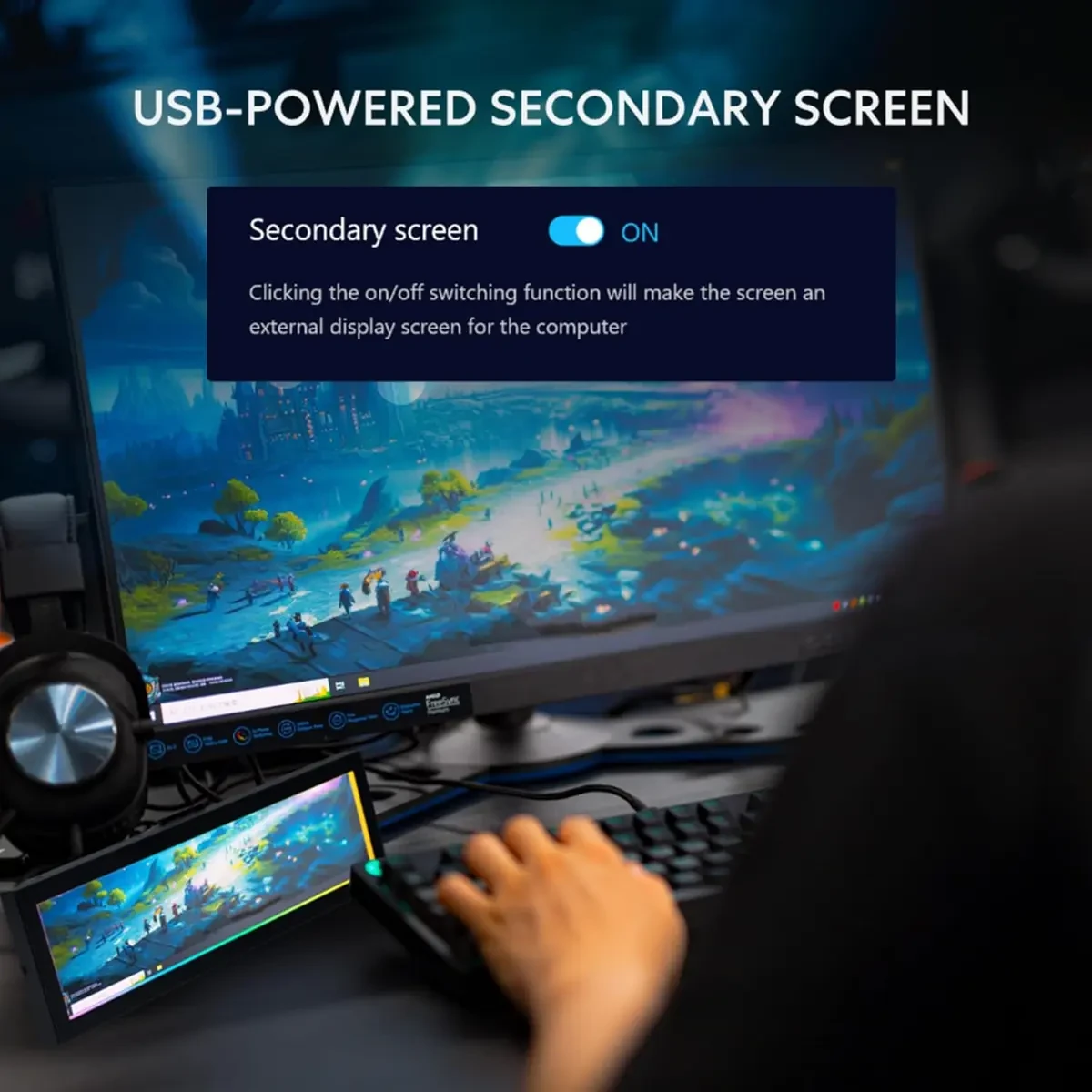
– USB-Powered Secondary Display: Enjoy plug-and-play connection via a 9-pin port or Type-A USB. This innovative design allows the 8.8″ screen to function independently as a secondary monitor, displaying hardware stats, media, or custom visuals without using valuable GPU ports.
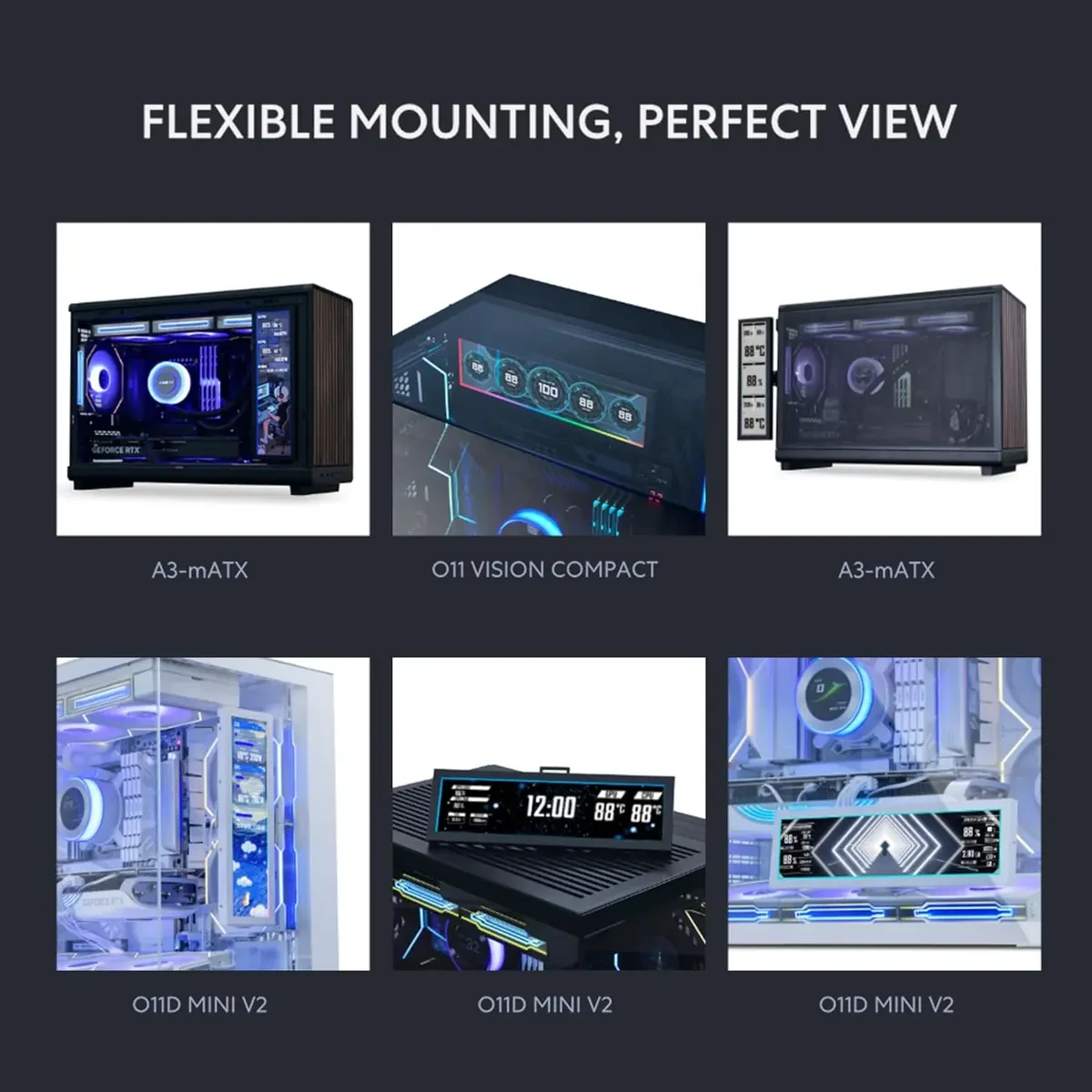
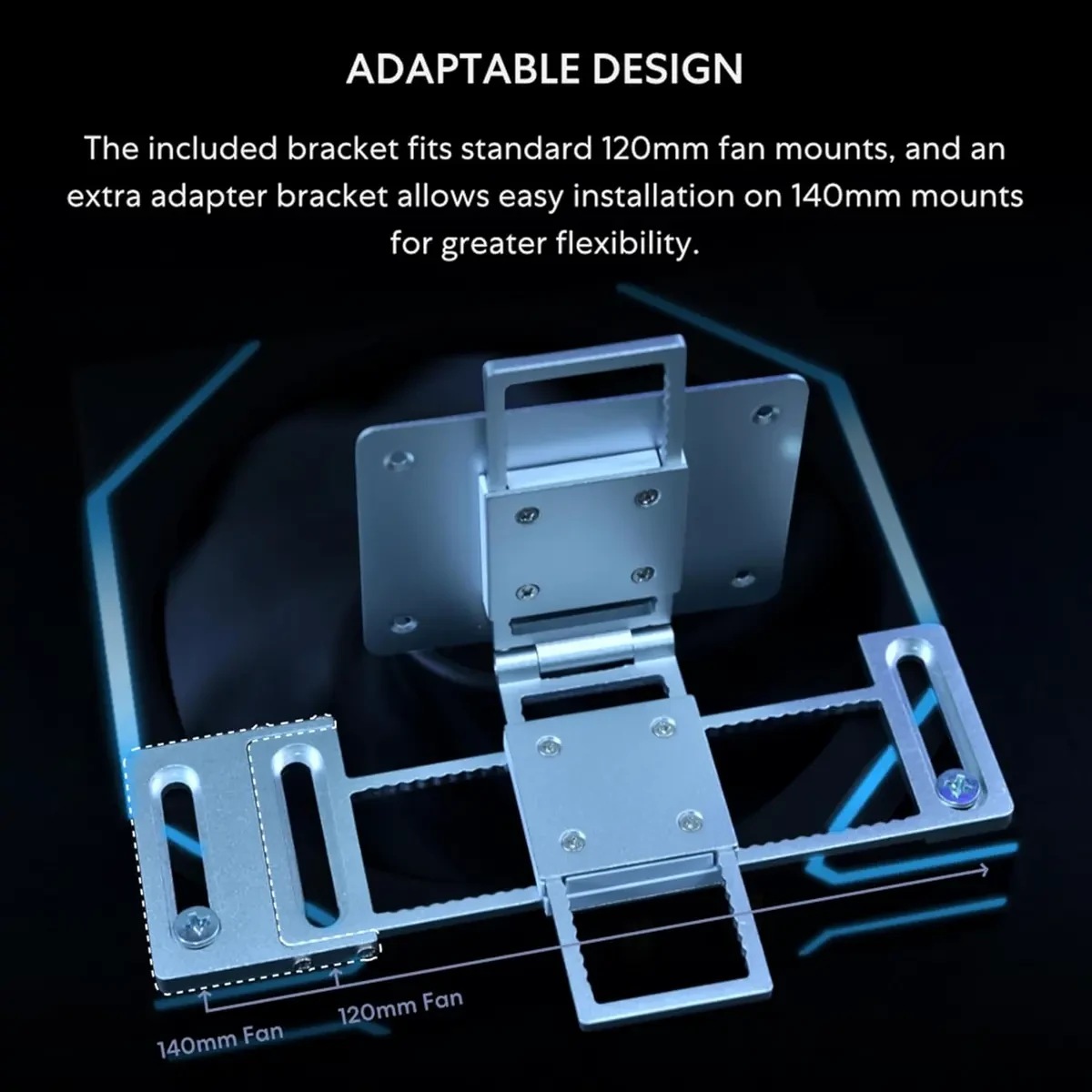
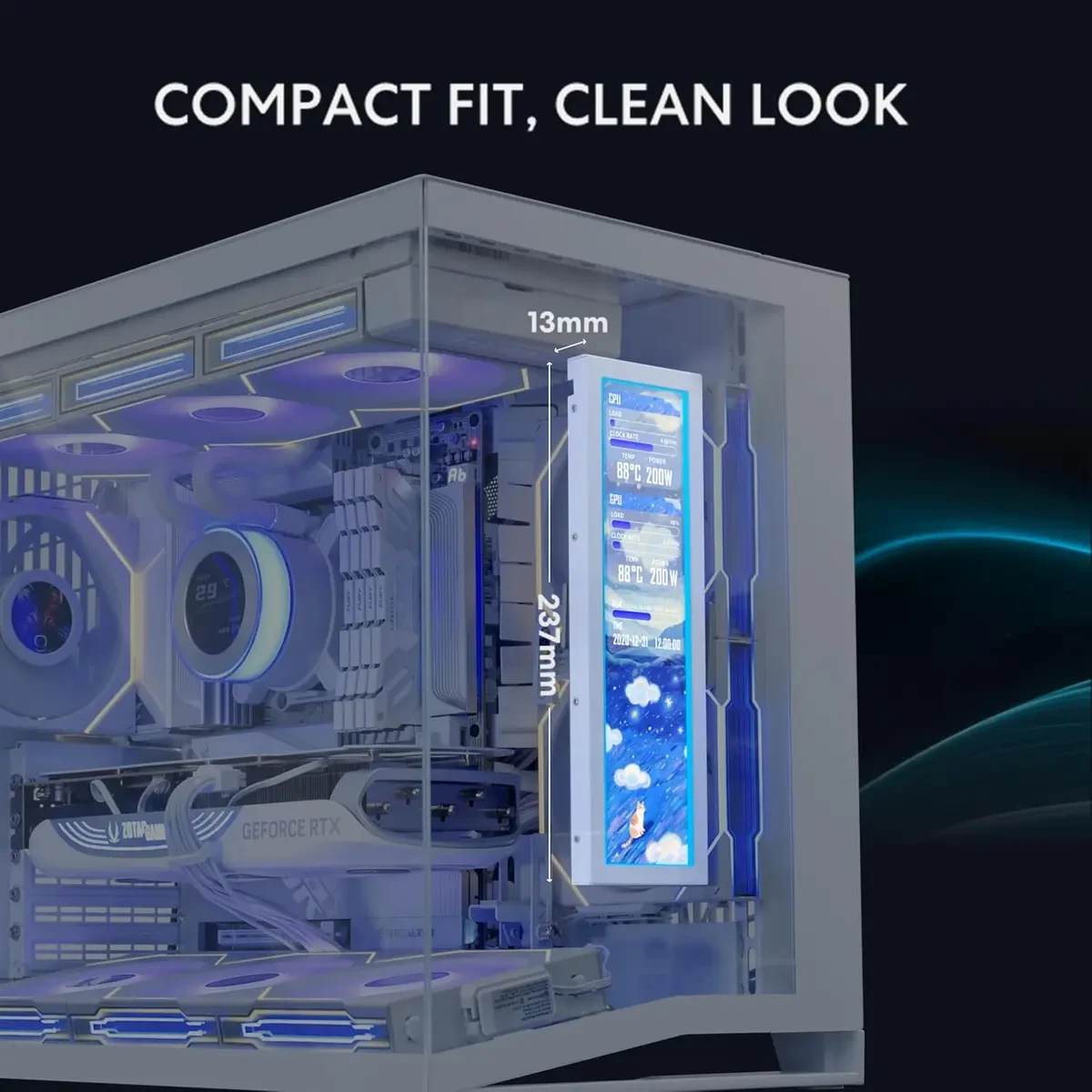
– Flexible Mounting Options: Versatile mounting bracket that supports height and tilt adjustments. Mount it securely to fan frames, attach it to case panels, or use adhesive pads for flat surfaces, ensuring optimal visibility from any angle.
– Stunning Diffused ARGB Lighting: Enhance your build’s aesthetics with a built-in diffused ARGB lighting strip. Fully customizable through L-Connect 3, the lighting offers a spectrum of colors and effects, allowing synchronization with your entire system for a cohesive look.
PRODUCT SPECS:
Screen Stand Installation Guide: Please ensure that you use the (H) Screws specified in the instruction manual when installing the Screen Stand and the 8.8 Universal Screen. DO NOT use the longer screw “g”.
Dynamic Control with L-Connect 3: Customize your viewing experience with L-Connect 3 software. Access preset themes and modular information, and upload your own videos and photos to create a personalized display that suits your style.
USB-Powered Secondary Display: Enjoy plug-and-play connection via a 9-pin port or Type-A USB. This innovative design allows the 8.8″ screen to function independently as a secondary monitor, displaying hardware stats, media, or custom visuals without using valuable GPU ports.
Flexible Mounting Options: Versatile mounting bracket that supports height and tilt adjustments. Mount it securely to fan frames, attach it to case panels, or use adhesive pads for flat surfaces, ensuring optimal visibility from any angle.
Stunning Diffused ARGB Lighting: Enhance your build’s aesthetics with a built-in diffused ARGB lighting strip. Fully customizable through L-Connect 3, the lighting offers a spectrum of colors and effects, allowing synchronization with your entire system for a cohesive look.
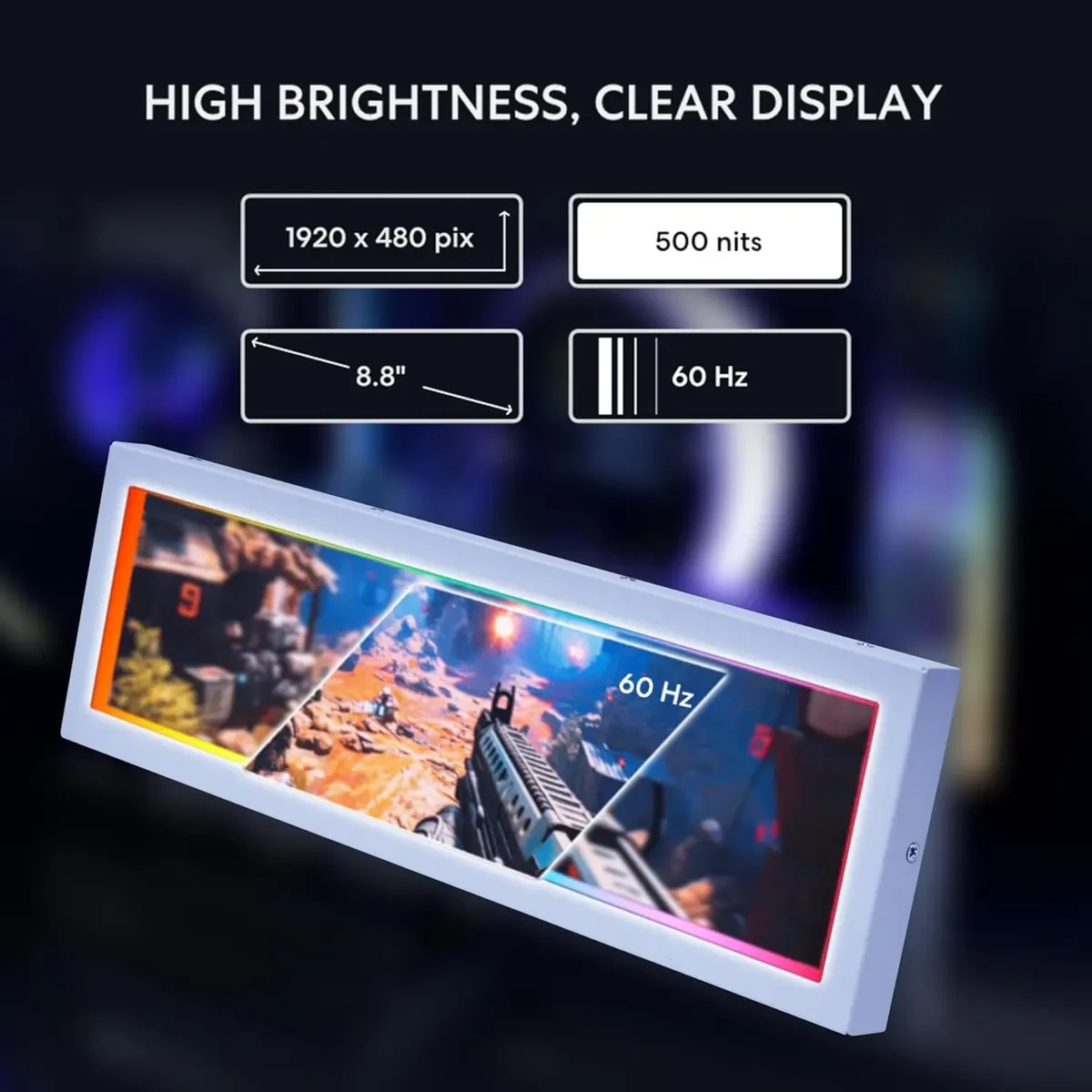
Compact and Stylish Design: The 8.8″ Universal Screen combines functionality with a sleek design, making it an ideal addition to any gaming or workstation setup. Its compact size ensures it fits seamlessly into your space while delivering vibrant visuals.
Performance and everyday use:
A well-balanced setup helps with consistent performance, smoother multitasking, and stable day-to-day operation.
Buying guidance:
When comparing prices in Pakistan, consider genuine stock, warranty terms, after-sales support, and upgrade compatibility.
Current listed price: Rs. 26,499.
Final thoughts:
Always confirm the latest configuration, warranty, and availability with the seller before ordering.
Maintenance tips:
Keep firmware/drivers updated, clean dust filters monthly, and avoid blocking airflow to maintain stable performance.
Recommended accessories:
A UPS/surge protector, quality peripherals, and proper cable management can improve reliability and usability.
Customer Reviews
There are no reviews yet.